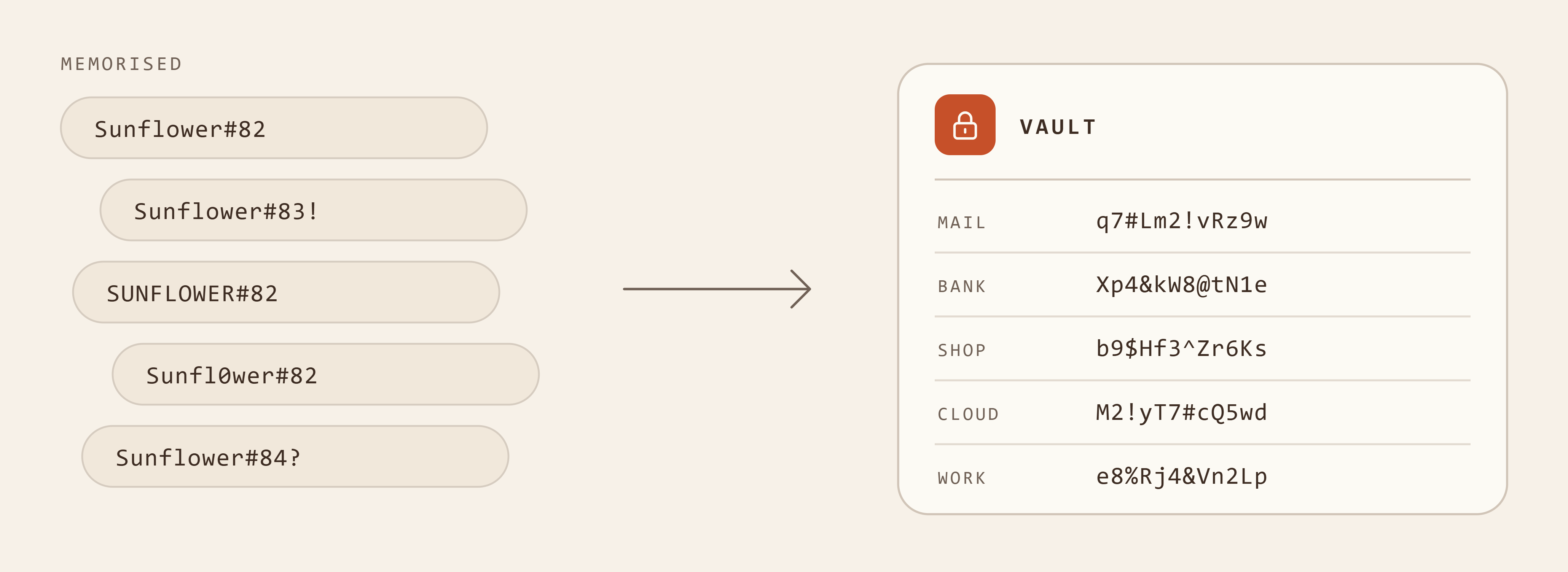
I have a confession to make: for many years I was very proud of having an excellent memory for passwords. I could remember all kinds of password combinations and always knew where I had used which one.
It took me a long time to realise that my passwords, while maybe not all identical, repeated themselves far too often in their structure, or leaned on each other. If even one combination had leaked, it would have been easy to get into my other accounts. And another downside: I could never pass on even one password variation (say, to share a tool or to get support). If I had, all my variations wouldn’t have been safe anymore. Sure, I could have made up a temporary password for those cases, but how do you then remember the exception? Write it on paper and stick it to the laptop?
It took me five years into my career before I finally accepted that my process wasn’t reliable. Sure, SSO (single sign-on), using Google or other providers, made things easier. But relying on an email account for logging in has its downsides too (you get locked in with that provider and it’s also a question of privacy). And you can’t share accounts that way either. So I came to the conclusion that a password manager is indeed a good idea. I switched not only for work but privately as well.
Today, I can’t fathom how I got through so many years without a password manager. It frees up so much room in my head, not only because I no longer have to remember all those combinations, but also because the URLs are stored right next to the password. That makes browser bookmarks unnecessary too. And so much other information can be stored as well (e.g. tokens, recovery phrases, 2-factor authentication or other backups). Another huge advantage: passwords can be shared in groups. That often only works with premium accounts or if you host it yourself, but you mostly only need it in a business context anyway.
But do we still need passwords at all?
Before we look at some products in more detail, maybe one of the big elephants in the room should be addressed: is it still worth looking for a password manager if we soon won’t need passwords anyway? Some do hold that view (e.g. Microsoft). And I can’t dismiss this position. In the past years, there has been a lot of innovation in how we access applications: logging in with biometrics or passkeys, magic links, logins via an app, or the long-established SSO.
At the same time, this is also the argument why username and password logins probably stay with us: some of these technologies have been around for many years. I use some of them myself, and still they haven’t replaced passwords. Even according to the FIDO Alliance, which promotes passkeys, only 26% of logins at large services use passkeys. And logging in with your phone is often two-factor authentication (2FA), meant to secure accounts, so it’s an addition to the password.
I personally don’t see all passwords really disappearing. Rather, I’m afraid it will keep getting more complicated and more layered considering all these different approaches. So my advice stays the same: get a password manager. If it ever becomes unnecessary, you can at least store the recovery keys there that you need if you lose access and need to recover an account.
What’s on the market?
There are many offers and products for managing passwords and secrets. My research showed me how big the market is overall. It’s easy to get lost. To get a better overview, let’s categorise the market segments:
- The best known are password managers for consumers and for small teams and businesses.
- A very large, invisible market is the one for admins. These products manage and monitor admins’ access to critical systems and machines.
- Developers have their own market too, for tools they can build right into their development work.
Today I’ll only cover products for individuals and business teams, because even here there are many interesting companies, especially from a European point of view. And the good news: this part of the market is far less complicated than it first seems. The other areas will be covered in future posts.
Password managers for individuals and business teams
The products for individuals and businesses include many well-known names, among them LastPass, Bitwarden and 1Password. Alternatively, a lot of people use their browser (e.g. Google) or their operating system (e.g. iOS) to manage passwords (Security.org: 34% in the US store passwords in the browser). That’s free and very easy, but passwords stored in a Chrome browser or on your phone have to be copied by hand to log in to desktop apps or other browsers. Then again, if you only ever work in a browser, you’ve found the right product.
It’s always fair to ask about security. At LastPass, customers’ encrypted password vaults were stolen in 2022 (Wikipedia), the best-known case so far, but there have been others (TechCrunch). Browser password stores in particular don’t proactively ask for a central security key. If you leave the browser open, anyone can get at the passwords (NCSC, “Trusting the tech”).
But let’s look at what these tools actually offer:
- They let you store passwords, notes, keys and identities
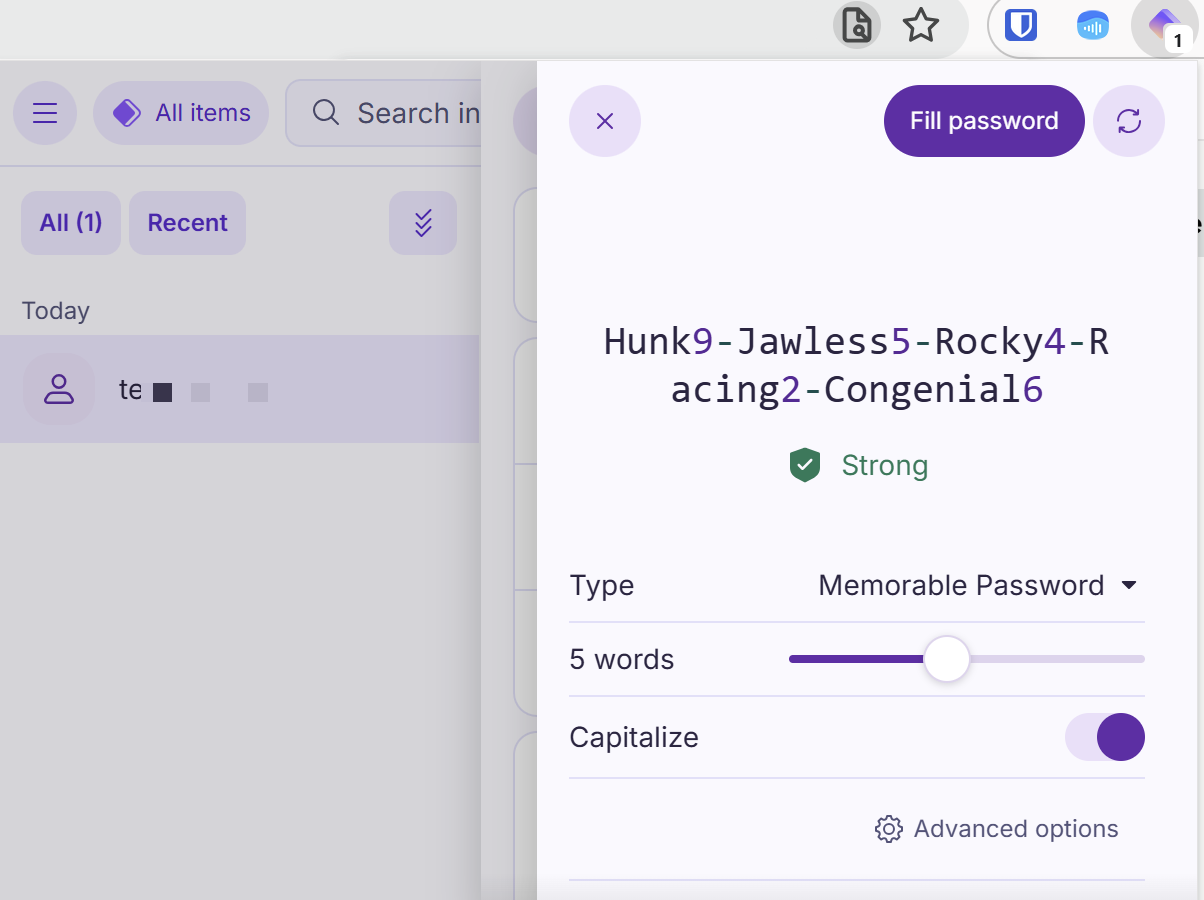
- Passwords are generated automatically and saved with the username and a link to the site; you set the criteria (length, special characters, type of password)
- They work on all your devices, as long as they aren’t tied to one browser or operating system
- There are backup and migration options
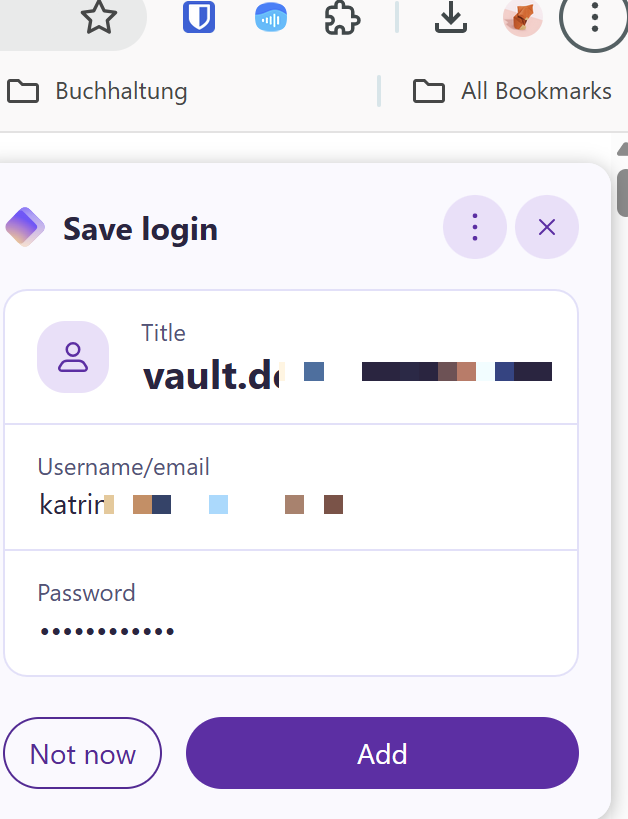
- Plugins and integrations fill in passwords on login forms with a single click
- Passwords can often be shared within a team, e.g. via groups
- Secure one-time sharing of passwords is often offered
- Many also provide time-based one-time passwords (usually for 2FA)
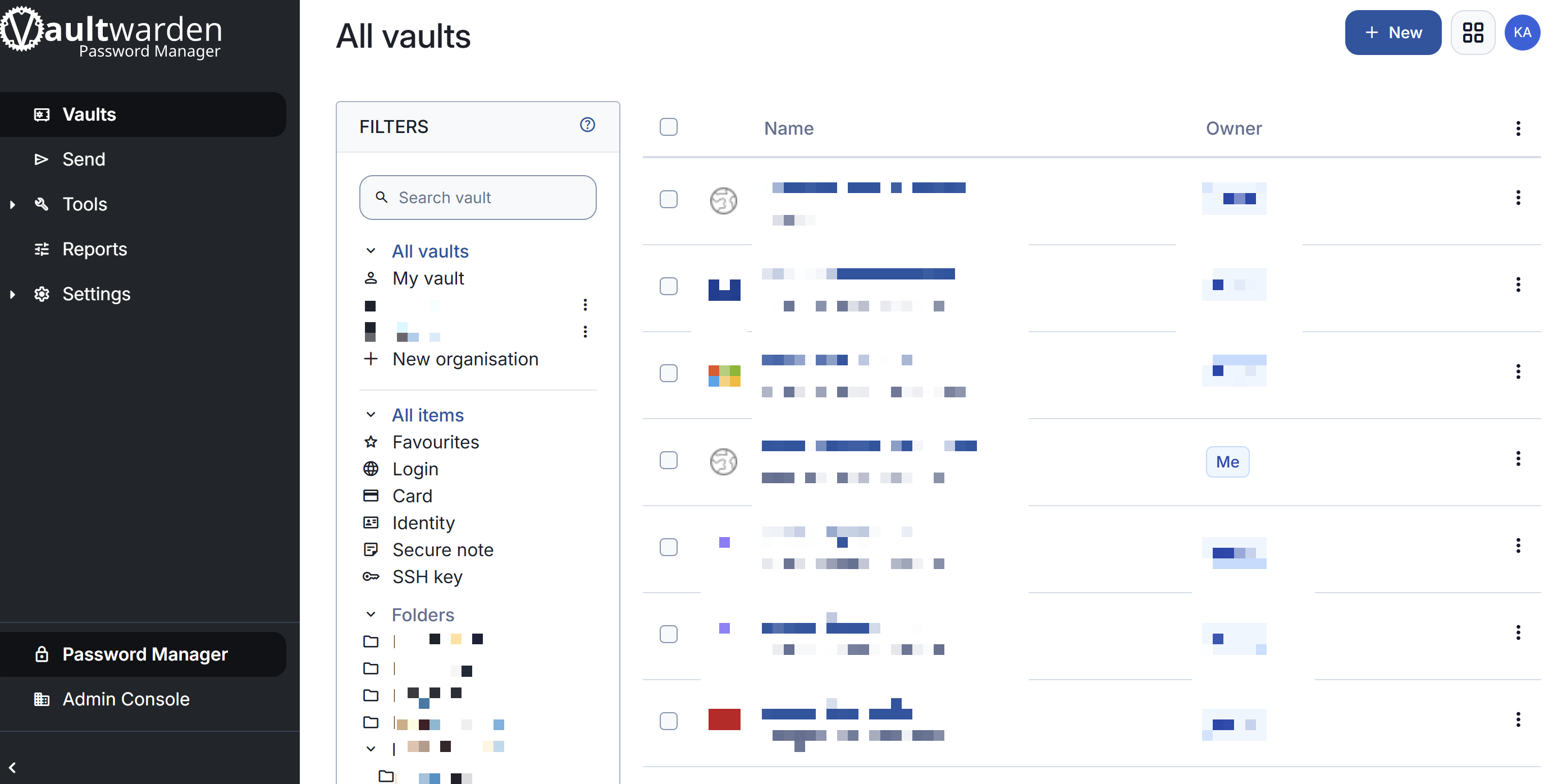
We use a password manager from this category in our home setup as well: Vaultwarden. We host the backend ourselves on our own servers. It’s an open source product. The developers of Vaultwarden rebuilt the Bitwarden backend, but not the frontend. For that you use Bitwarden’s interface. Plenty has been written about the complicated relationship between the two organisations (e.g. Vaultwarden FAQ, discussion on the Bitwarden licence); I won’t go into the details here.
European products for individuals and teams
For anyone looking for European providers: there are several. They’re often run as side products of large, well-known companies (e.g. Proton) and some are very established. The table below shows the products offered to consumers and, in some cases, to business teams too. The pros and cons come from user reviews, not from my own tests (except for Proton Pass and KeePass).
| Product | Country | For | Free to use? | Pros and cons from users | Company |
|---|---|---|---|---|---|
| NordPass | 🇱🇹 | Consumers + teams | Yes, but only on one device at a time (ITPro) | Very easy (CyberInsider), but a limited number of devices and pushy sales tactics (ITPro, class action in the US) | Nord Security (NordVPN), team in Vilnius. The company behind the app, nordvpn S.A., is registered in Panama, with its seat in Amsterdam (GLEIF). Nord is in the portfolio of the Lithuanian investor Tesonet (ownership structure) |
| Proton Pass | 🇨🇭 | Consumers + teams | Yes, on as many devices as you like (Proton) | Generous free plan (Proton, Comparitech), open source, but autofill doesn’t always work (Trustpilot) | Proton AG, see European cloud storage |
| pCloud Pass | 🇨🇭 | Consumers | Yes, for one device (European Alternatives) | Very cheap (one-off payment), a few features are missing (TechRadar, Best Backup Reviews) | pCloud AG, see European cloud storage |
| KeePass | 🇩🇪 | Consumers | Yes, open source | No cost and lots of plugins, but an old interface, Windows only (for Mac and Linux there’s KeePassXC) and no cloud of its own (sync e.g. via Nextcloud) (Capterra, Cybernews) | Solo developer Dominik Reichl, Metzingen |
| Padloc | 🇩🇪 | Consumers + teams | Yes (Padloc) | Liked for its simple design and open source options, but it’s unclear whether the project will continue (GitHub) | Sole proprietorship MaKleSoft (Martin Kleinschrodt, Munich) |
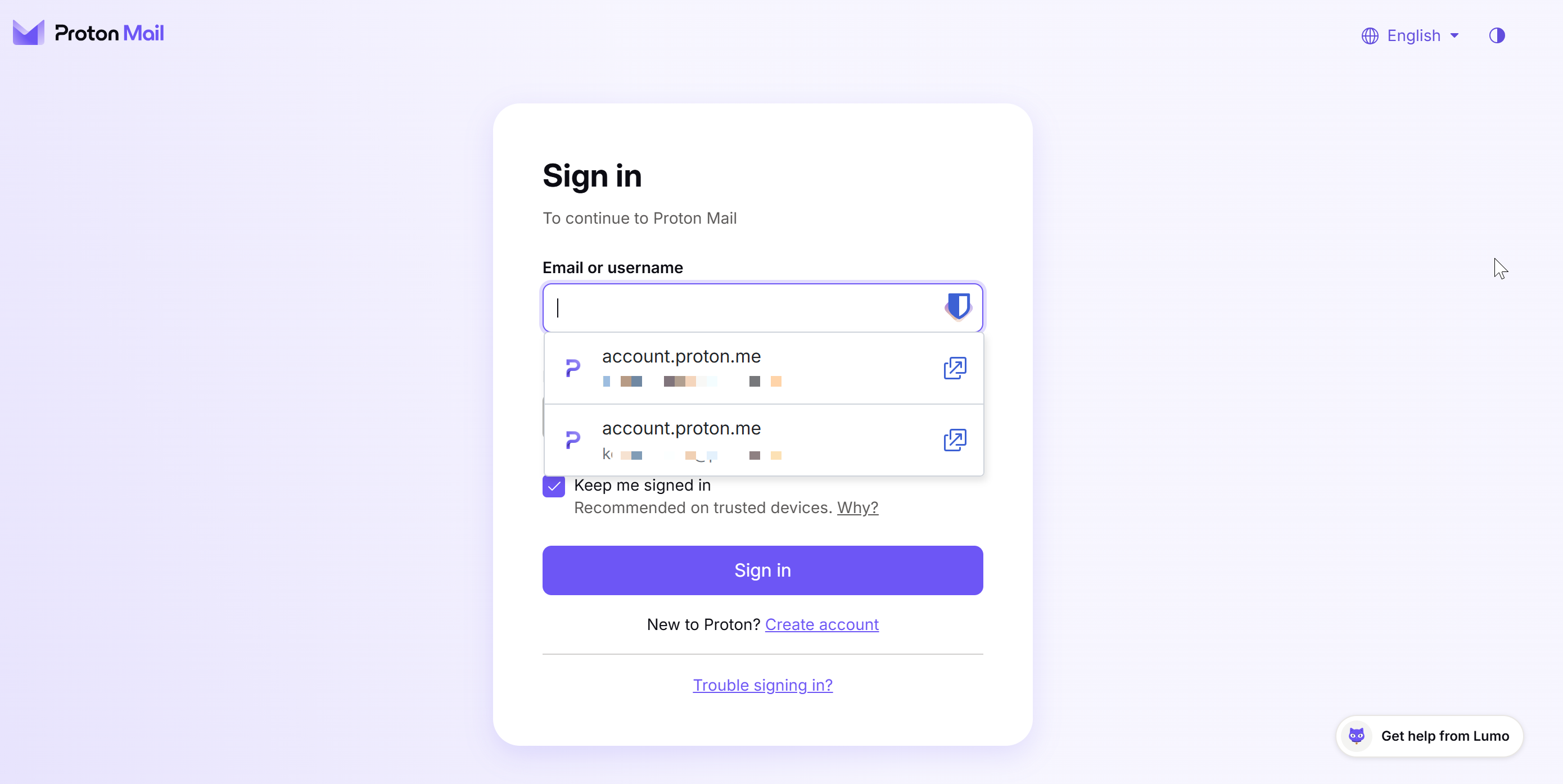
As you can see in the pictures, besides Vaultwarden I’ve tested Proton Pass. I also used KeePass for some years. They all come with similar features. The differences are in the details: some show more ads for their paid plan than others, and the UX isn’t equally good and intuitive everywhere. But as always, that’s a matter of taste.
Products for business teams
And then there’s a whole group of products that aren’t meant for consumers at all and only serve business teams. Here some of the products really differ, and there are some very interesting approaches from Europe:
| Product | Country | What makes it different | Pros and cons from users | Company |
|---|---|---|---|---|
| Passbolt | 🇱🇺 | Open source, self-hostable | The free self-hosted version covers what you need, the paid plans are seen as fairly expensive, the browser extension as not very mature (Capterra, G2) | Passbolt SA, Luxembourg, founded 2016. Open source with VC funding (Series A 2025) |
| Psono | 🇩🇪 | Open source, self-hostable | Very mature access rights and good support, but complicated to set up and fairly expensive (G2, SpotSaaS) | esaqa GmbH, Vorra (Bavaria) |
| heylogin | 🇩🇪 | No master password, every login is confirmed on your phone | Reviewers highlight data protection (GDPR). The approach is unusual and some features are missing (OMR Reviews, G2) | heylogin GmbH, Braunschweig, funded by Mozilla Ventures among others (Choose European) |
| Uniqkey | 🇩🇰 | Built-in 2FA that fills in the codes itself | Very quick to roll out, but it keeps asking for confirmation on your phone and is slow (G2, Capterra) | Uniqkey, Herlev, founded 2017, VC-funded (Series A 2024) |
| LockSelf / LockPass | 🇫🇷 | Certified by ANSSI, the French cybersecurity agency, hosted only in France (LockSelf) | Fast app with extensive access rights and a small, approachable team. But there are some bugs and the interface is dated (La Fabrique du Net, appvizer) | LockSelf, Paris |
And what now?
Many of us juggle a huge number of tools and apps. And there isn’t one easy way to log into all of them. That’s a good thing. If getting into my account became too easy, my money might no longer be safe.
What’s clear, though: anyone without a password manager probably uses simple or easy-to-type passwords, which opens the door wide for attackers to take over those accounts. With so many hacker attacks, it’s not only individuals but companies too that should have a password manager strategy. Because training alone isn’t the answer: a large UC San Diego study with around 19,500 employees shows that knowing that secure passwords and 2FA matter isn’t enough. People who had done an annual training didn’t click on phishing links any less often. Instead, the researchers recommend 2FA and password managers.
That’s why this article matters so much to me. It shows that there are many providers once you’re willing to give a password manager a go. There’s no way around dealing with the topic, and as always, when you choose you have to think about what matters to you. Do you go with one of the big providers, e.g. 1Password? Or would you rather pick a European company? If you already use Proton products, Proton Pass is surely worth it too. The same goes for Nord or pCloud products.
UX can matter with password managers too. It has to be easy, and storing passwords safely mustn’t feel like a hurdle. And if you’re already used to a product from work, you might simply pick that one; then switching for personal use is often easier, even if it has fewer features.
Do you use a password manager yourself? What or who got you to start? And what about your parents, for example, how do they handle passwords? As always, I’d love to hear your feedback. Get in touch!